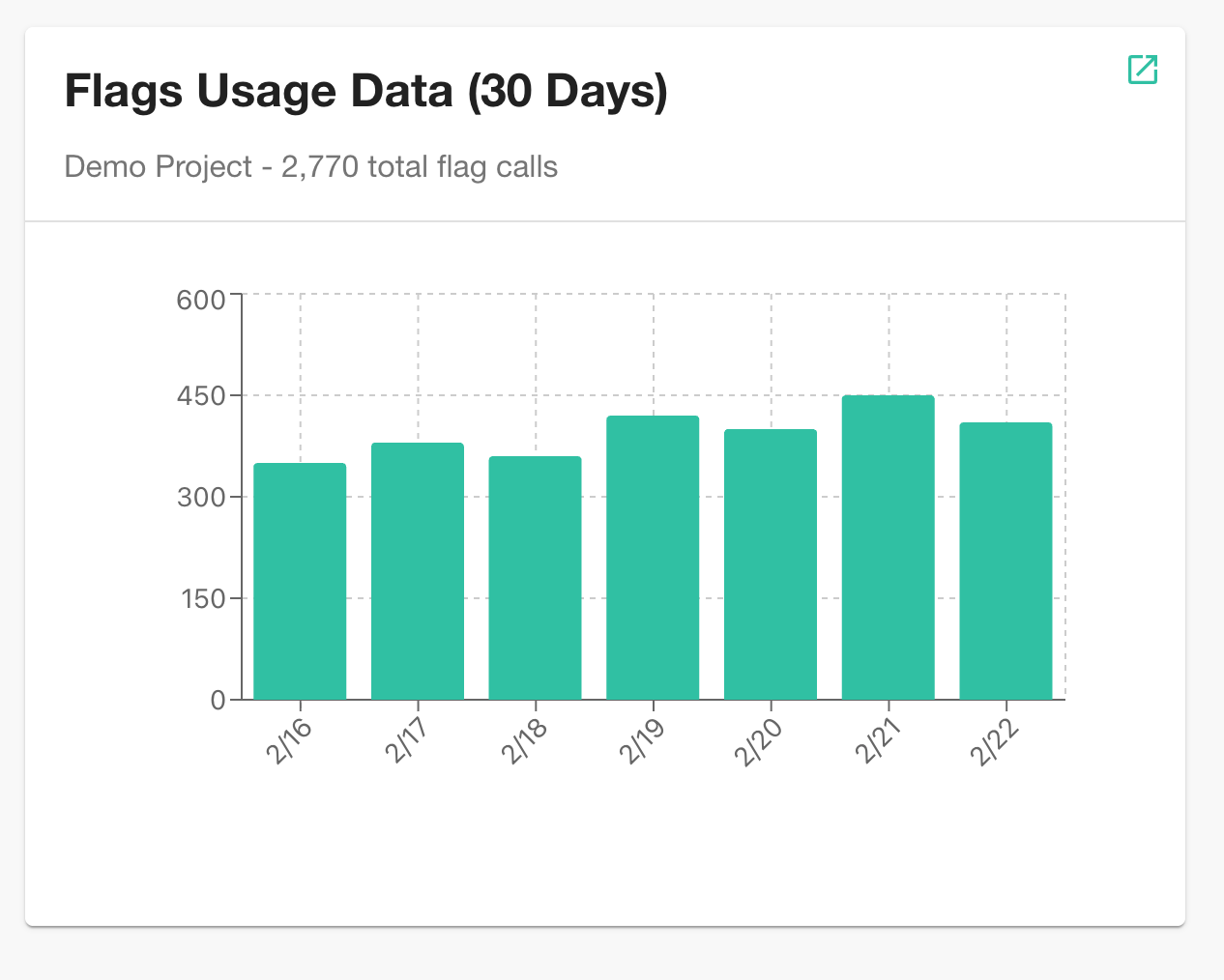
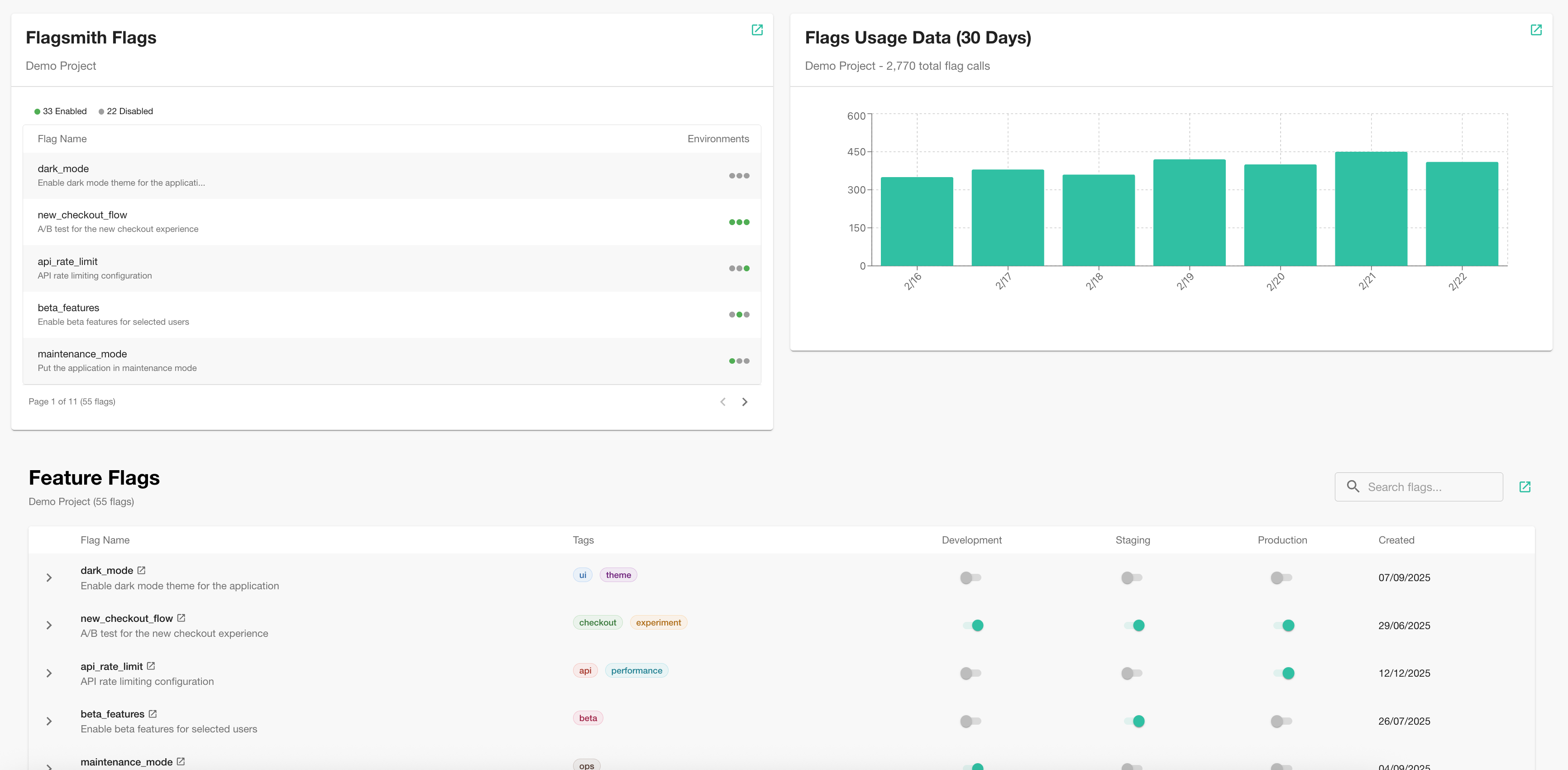
The Flagsmith Backstage Plugin brings feature flag observability directly into your Backstage developer portal. It provides three components:
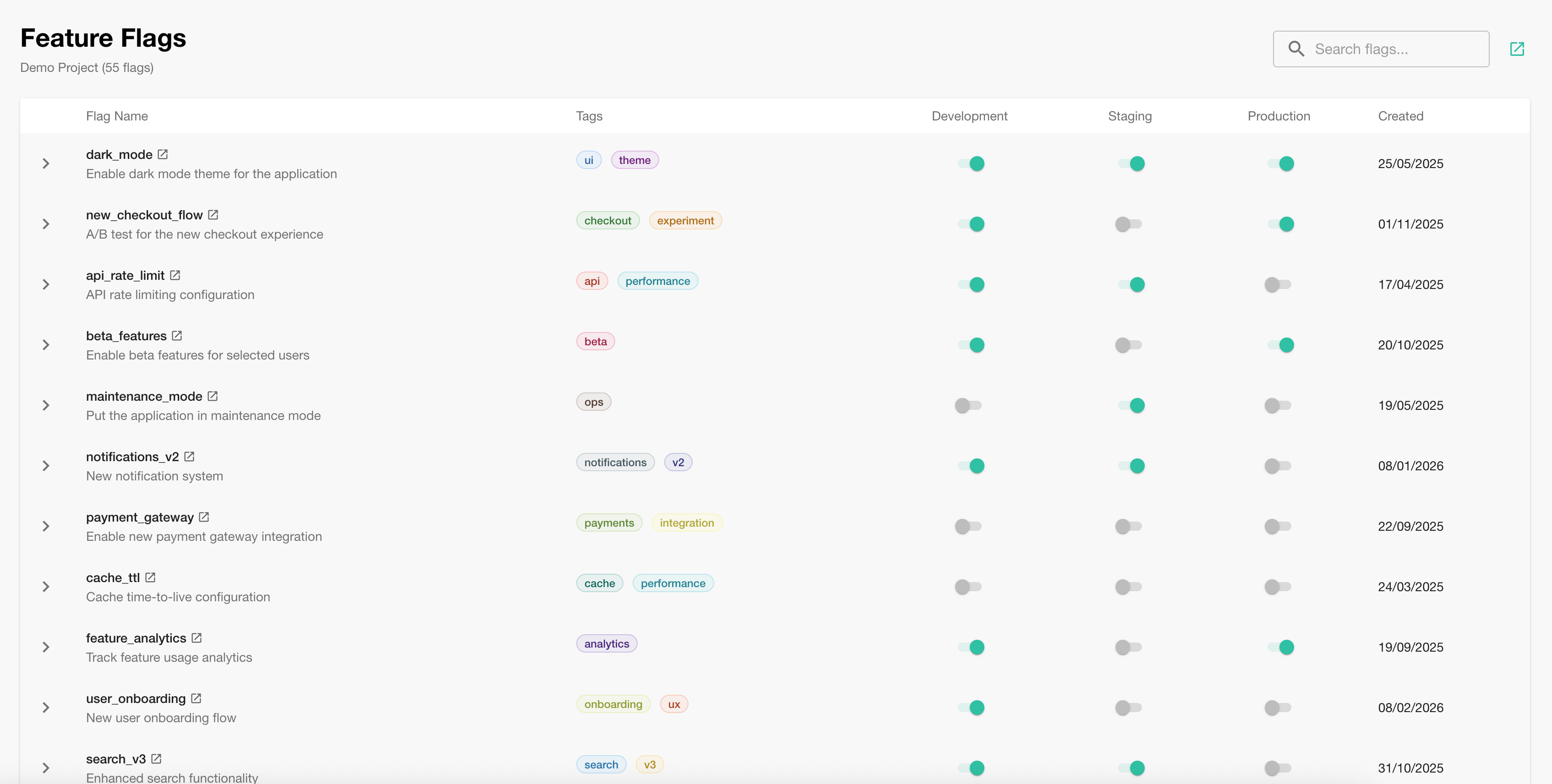
- Feature Flags Tab — A full-page table listing all flags, their tags, and environment states.
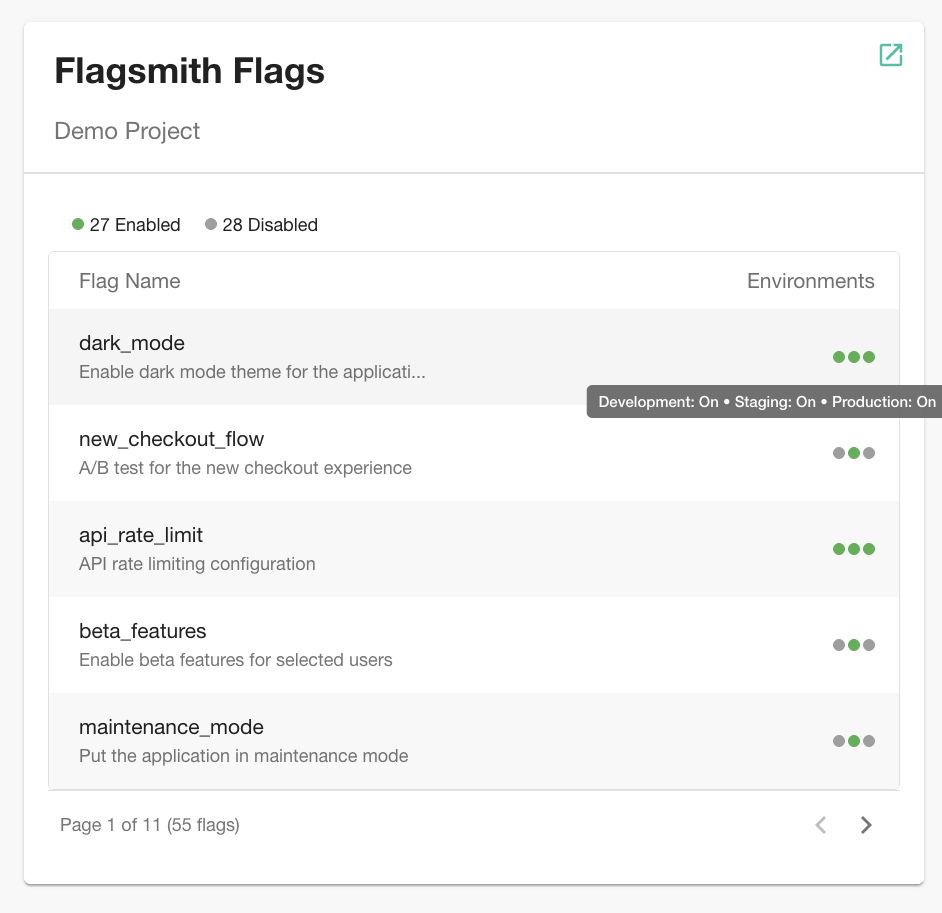
- Overview Card — A quick summary of your feature flags for entity overview pages.
- Usage Card — A chart showing flag usage metrics over time.
Integrate with Backstage
1. Install the plugin
Install the plugin from your Backstage app root:
yarn --cwd packages/app add @flagsmith/backstage-plugin
2. Configure the proxy
Add the Flagsmith proxy configuration to your app-config.yaml:
proxy:
 endpoints:
  '/flagsmith':
   target: 'https://api.flagsmith.com/api/v1'
   headers:
    Authorization: Api-Key FLAGSMITH_API_TOKEN
FLAGSMITH_API_TOKEN: obtain from Organisation Settings > API Access in Flagsmith.- If you are self-hosting Flagsmith, replace the
targetURL with your own Flagsmith API address, e.g.https://flagsmith.example.com/api/v1.
Enterprise users: when generating the Organisation API key, select permissions View Project and View Environment, so that Backstage can see your Environments and Features in Flagsmith.
3. Set up entity annotation
Annotate your entities in catalog-info.yaml so the plugin knows which Flagsmith project to display:
apiVersion: backstage.io/v1alpha1
kind: Component
metadata:
 name: my-service
 annotations:
  flagsmith.com/project-id: 'PROJECT_ID'
spec:
 type: service
 owner: my-team
 lifecycle: production
PROJECT_ID: obtain from the Flagsmith dashboard URL, e.g./project/<id>/....
Add Components to Backstage
Edit your packages/app/src/components/catalog/EntityPage.tsx to add the Flagsmith components.
Feature Flags Tab
Import and add the FlagsTab as a new tab on your entity page:
import { FlagsTab } from '@flagsmith/backstage-plugin';

// Inside your entity page layout, add a new tab:
<EntityLayout.Route path="/feature-flags" title="Feature Flags">
 <FlagsTab />
</EntityLayout.Route>;
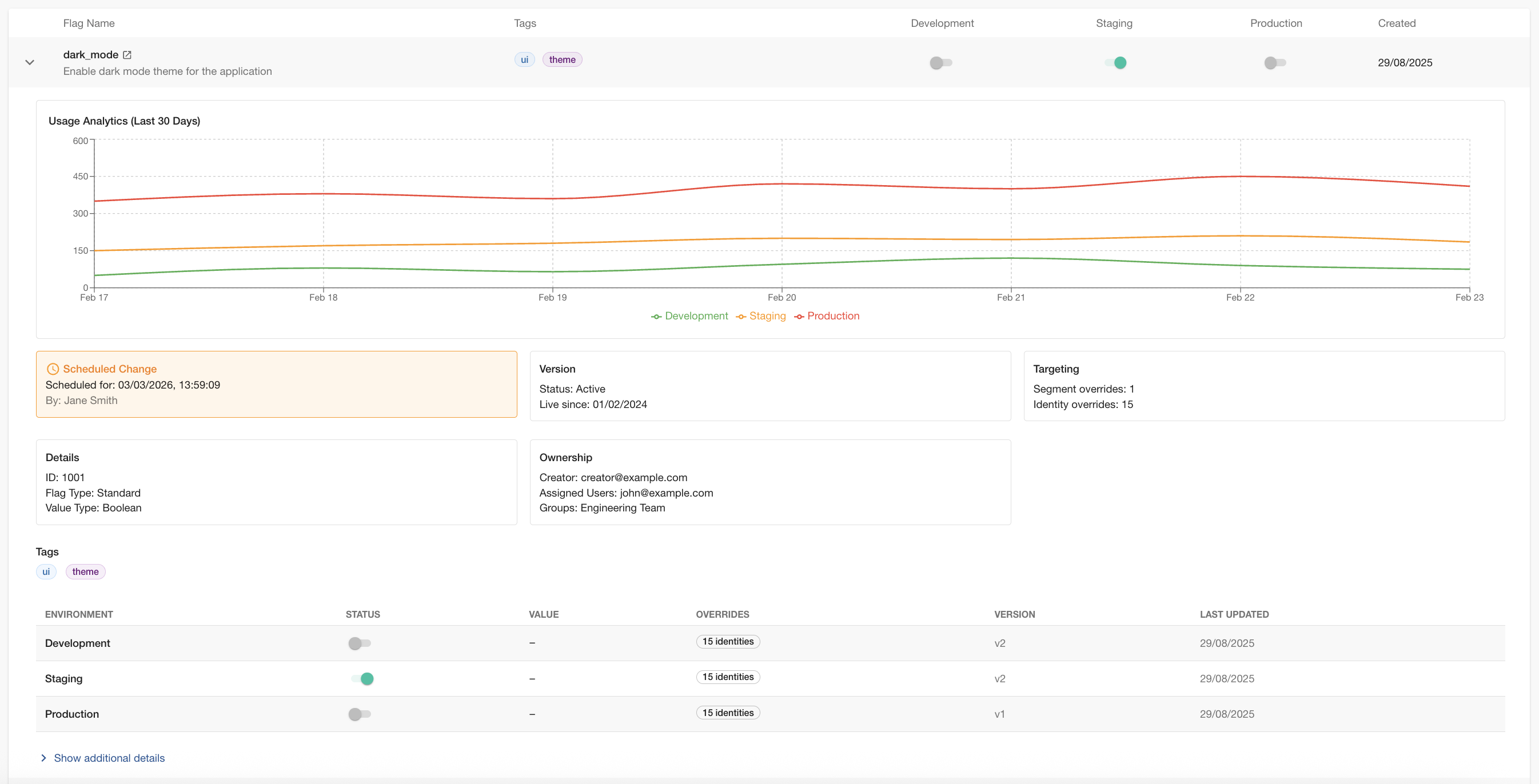
Click a feature in the list to reveal its usage graphs and detailed information:
Overview Card
Add the FlagsmithOverviewCard to your entity overview page:
import { FlagsmithOverviewCard } from '@flagsmith/backstage-plugin';

// Inside your overview grid:
<Grid item md={6}>
 <FlagsmithOverviewCard />
</Grid>;
Usage Card
Add the FlagsmithUsageCard to display flag usage metrics:
import { FlagsmithUsageCard } from '@flagsmith/backstage-plugin';

// Inside your overview grid:
<Grid item md={6}>
 <FlagsmithUsageCard />
</Grid>;